Skip to content
View in the app

A better way to browse. Learn more.

99NICU

A full-screen app on your home screen with push notifications, badges and more.

To install this app on iOS and iPadOS
  1. Tap the Share icon in Safari
  2. Scroll the menu and tap Add to Home Screen.
  3. Tap Add in the top-right corner.
To install this app on Android
  1. Tap the 3-dot menu (⋮) in the top-right corner of the browser.
  2. Tap Add to Home screen or Install app.
  3. Confirm by tapping Install.
  • Entries

    2
  • Comments

    5
  • Views

    78

About this blog

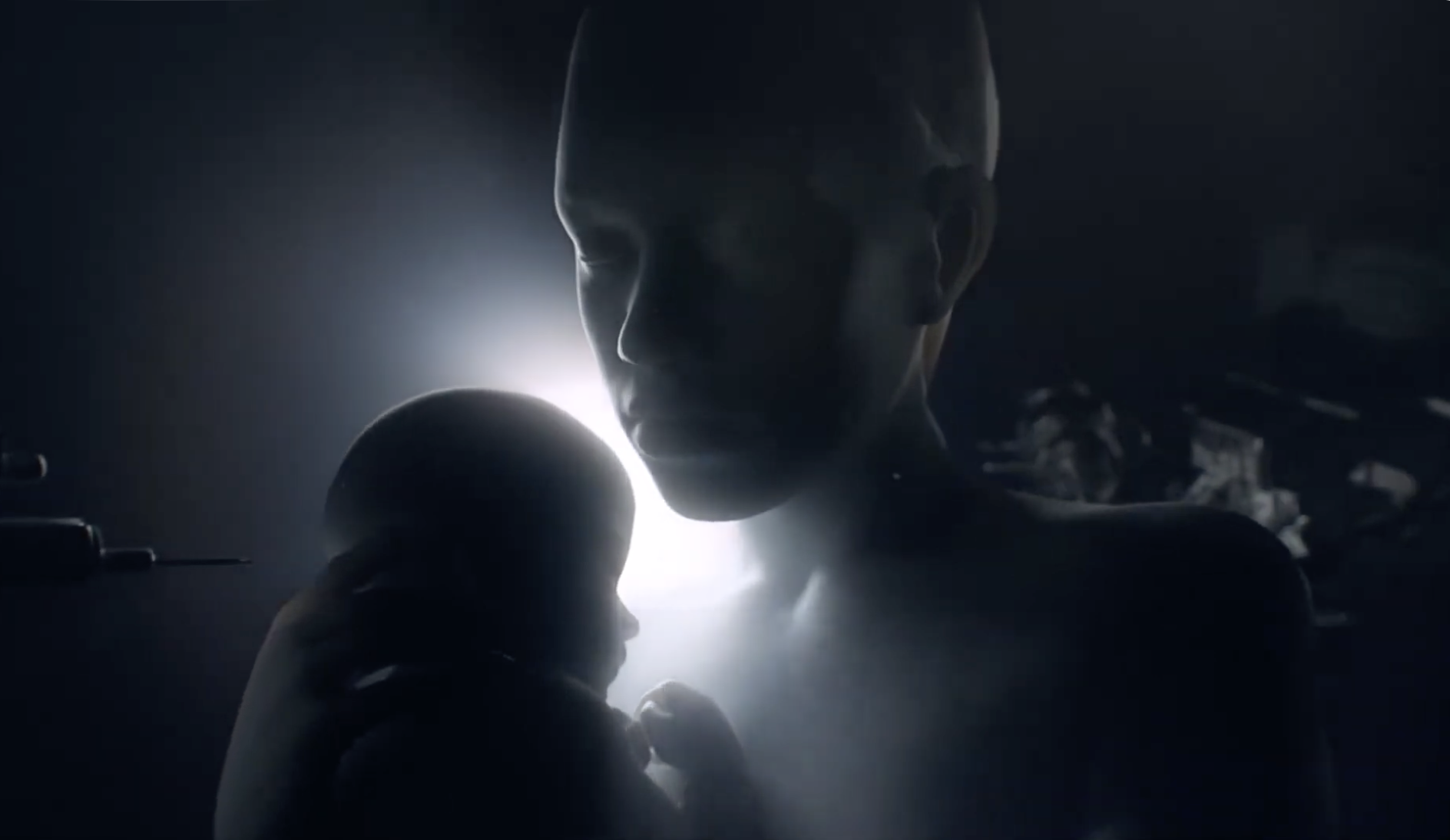
The Weight of Small Things: reflections from the NICU and beyond—on fragility, resilience, and what caring for the smallest lives teaches about the biggest questions.

Entries in this blog

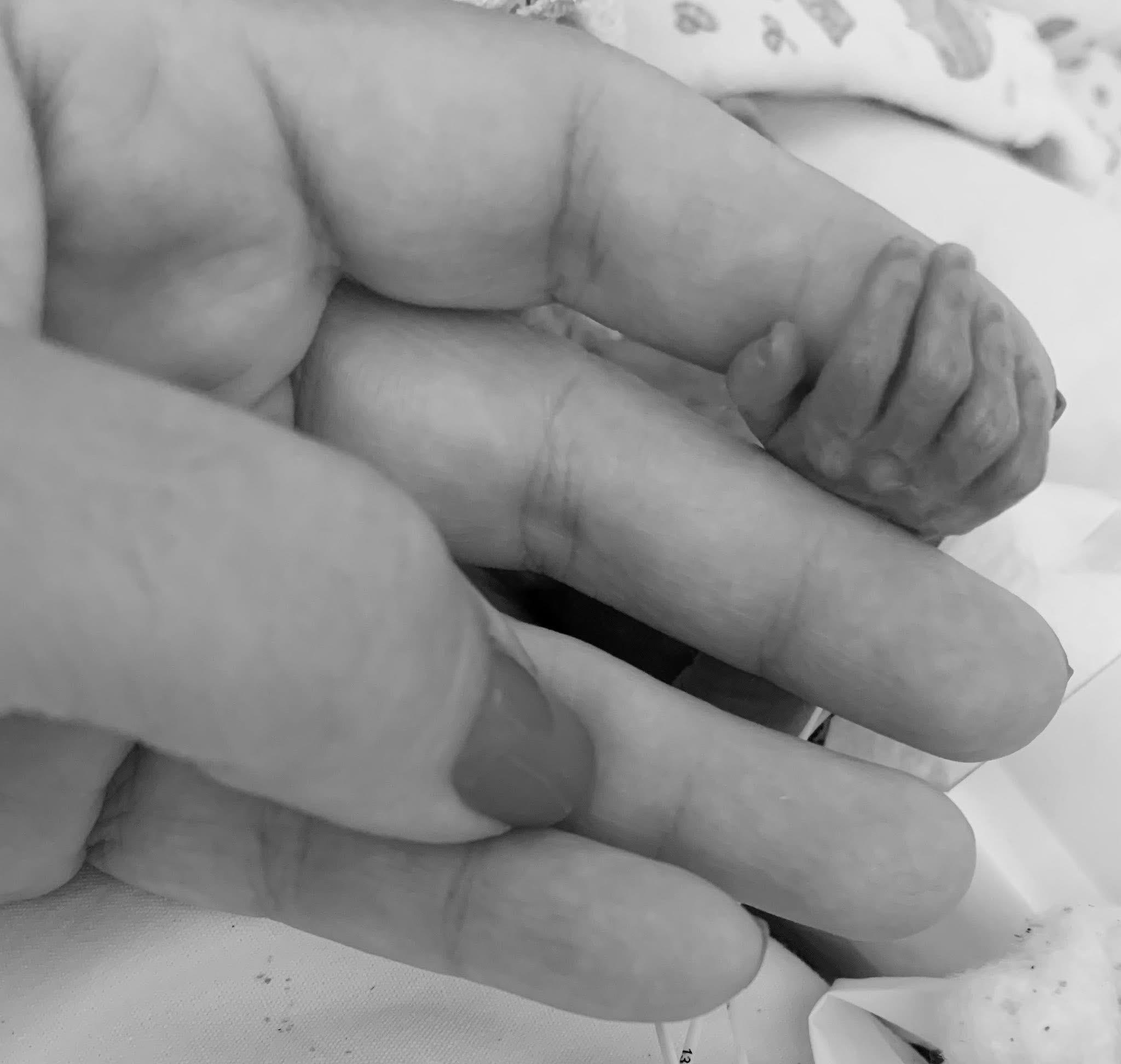
One of the best parts of working in the NICU is the visits we receive from families who have graduated and come back with their growing, glowing babies. During these visits, I was always puzzled by the fact that some of them — especially the ones I worked more closely with — seemed to recognize my voice and would even award me with a smile. I do have the habit of chatting with my patients, and since I used to work every weekday in the mornings, those babies heard my voice a lot. But still: would

Account

Navigation

Search

Search

Configure browser push notifications

Chrome (Android)
  1. Tap the lock icon next to the address bar.
  2. Tap Permissions → Notifications.
  3. Adjust your preference.
Chrome (Desktop)
  1. Click the padlock icon in the address bar.
  2. Select Site settings.
  3. Find Notifications and adjust your preference.