
_0b6494.png)
_5c07e1.png)
_0d1bd3.png)
_75149d.png)

the 99nicu App - to be expected during 2020

· 2,374 views
The professional communication during the Covid-19 pandemic really shows the potential to share expertise and experience through web-based channels.
Journals, societies, regular news media, social media platforms etc-etc play an important role for us to keep updated, and many web sites have also opened up their content free of charge.
We will learn many things from facing and tackling this pandemic, but one major change will certainly be our communication channels. Many are discovering the web-based possibilities to learn and discuss.
We will do our best to facilitate professional communication within the neonatal community.
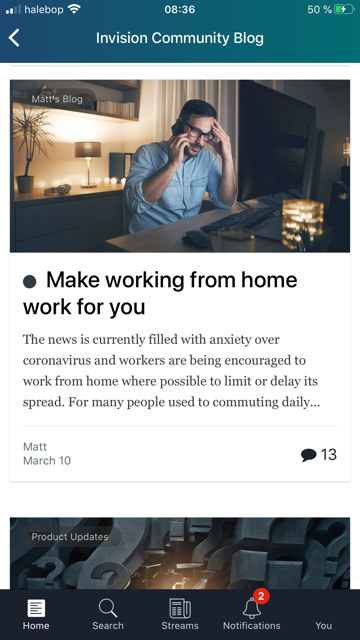
And, finally it seems that the company providing our software (IPB) will finally roll out a smartphone app. Which means that 99nicu will literally become available in your pocket through a "99nicu App".
The screen shots below comes from the beta-version of the app now used by the company providing our software.
And yes, there will be light-mode and dark-mode 
Stay tuned!



-
 4
4
-
 1
1
Recommended Comments