
_0b6494.png)
_5c07e1.png)
_0d1bd3.png)
_75149d.png)
(26).png.c97dc453b63ee0a4658a82af0237d93f.png)

99NICU Becomes a Partner of the CEPAS Conference 28-31 Oct 2026

By Stefan Johansson in CEPAS
· 779 views
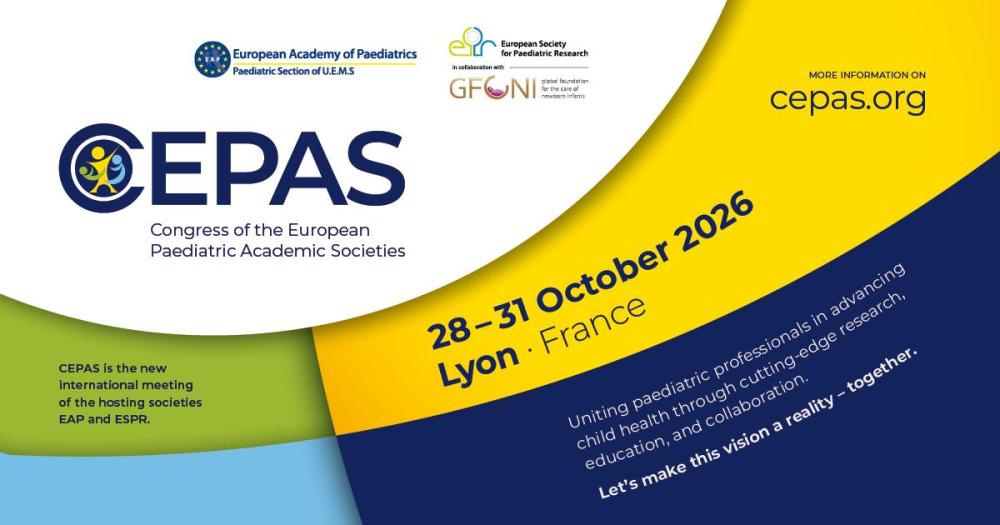
We are pleased to announce that the 99NICU Community has become an official partner of the CEPAS Conference, 28-31 Oct 2026.
CEPAS is an international conference dedicated to advancing knowledge and collaboration in neonatal and pediatric care, a new biennial meeting of the European Academy of Paediatrics (EAP) and the European Society for Paediatric Research (ESPR). In addition, the Global Foundation for the Care of Newborn Infants (GFCNI) is co-organiser.
Through this partnership, 99NICU will help amplify the reach and discussions of CEPAS within our global neonatal community.
In the lead-up to the conference, 99NICU will promote CEPAS across our social media channels to help spread awareness and encourage participation. During the conference, members of the 99NICU team will be present on site, host a dedicated 99NICU session, and provide live coverage of selected sessions through social media, sharing insights and key takeaways with the wider community.
We look forward to working together with the CEPAS team to support collaboration, learning, and innovation in neonatal care.
Learn more about the conference at cepas.org.
-
 1
1
-
 1
1
Recommended Comments