Skip to content
View in the app

A better way to browse. Learn more.

99NICU

A full-screen app on your home screen with push notifications, badges and more.

To install this app on iOS and iPadOS
  1. Tap the Share icon in Safari
  2. Scroll the menu and tap Add to Home Screen.
  3. Tap Add in the top-right corner.
To install this app on Android
  1. Tap the 3-dot menu (⋮) in the top-right corner of the browser.
  2. Tap Add to Home screen or Install app.
  3. Confirm by tapping Install.

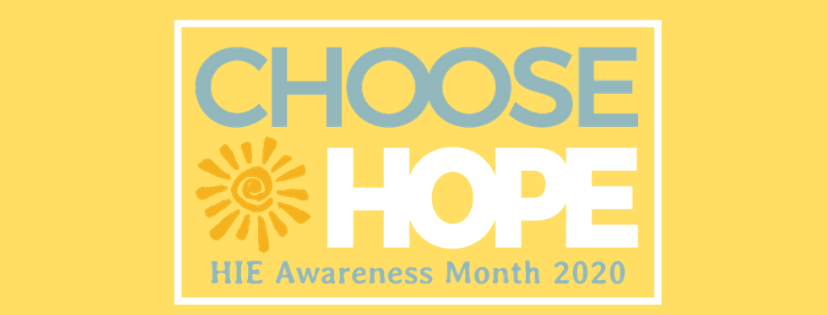
2020_Awareness_Month_Web_Header.png?1582572122

April is HIE Awareness Month

Hope for HIE is once again coordinating global awareness for HIE. This year, the theme is CHOOSE HOPE. We hope we can count on our 99NICU colleagues to help us spread the word. 

Our awareness month website is being built and should be available in the next week or two with a variety of tools to help spread awareness including social media graphics, press releases and talking points, downloadable patient referral and educational materials, and more. 

Over 2 million impressions were generated in 2019, and Hope for HIE now serves over 5,000 families worldwide.

Questions? Reach out to Annie Goeller, Public Relations & Marketing.

Recommended Comments

There are no comments to display.

To read the comments in this discussion, please log in or register. It's free and open to neonatal care professionals worldwide!

Account

Navigation

Search

Search

Configure browser push notifications

Chrome (Android)
  1. Tap the lock icon next to the address bar.
  2. Tap Permissions → Notifications.
  3. Adjust your preference.
Chrome (Desktop)
  1. Click the padlock icon in the address bar.
  2. Select Site settings.
  3. Find Notifications and adjust your preference.