Skip to content
View in the app

A better way to browse. Learn more.

99NICU

A full-screen app on your home screen with push notifications, badges and more.

To install this app on iOS and iPadOS
  1. Tap the Share icon in Safari
  2. Scroll the menu and tap Add to Home Screen.
  3. Tap Add in the top-right corner.
To install this app on Android
  1. Tap the 3-dot menu (⋮) in the top-right corner of the browser.
  2. Tap Add to Home screen or Install app.
  3. Confirm by tapping Install.

Neonatal Pocus workshop in Gothenburg, Sweden

Join us for our 4th International Neonatal POCUS Workshop in Sweden!

Learn all about neonatal hemodynamics and basics and advanced skills in NPE/TNE, Lung-ultrasound and vascular access POCUS.

More info on www.neonataltraining.org

Registration is now open and early bird until February 15th!
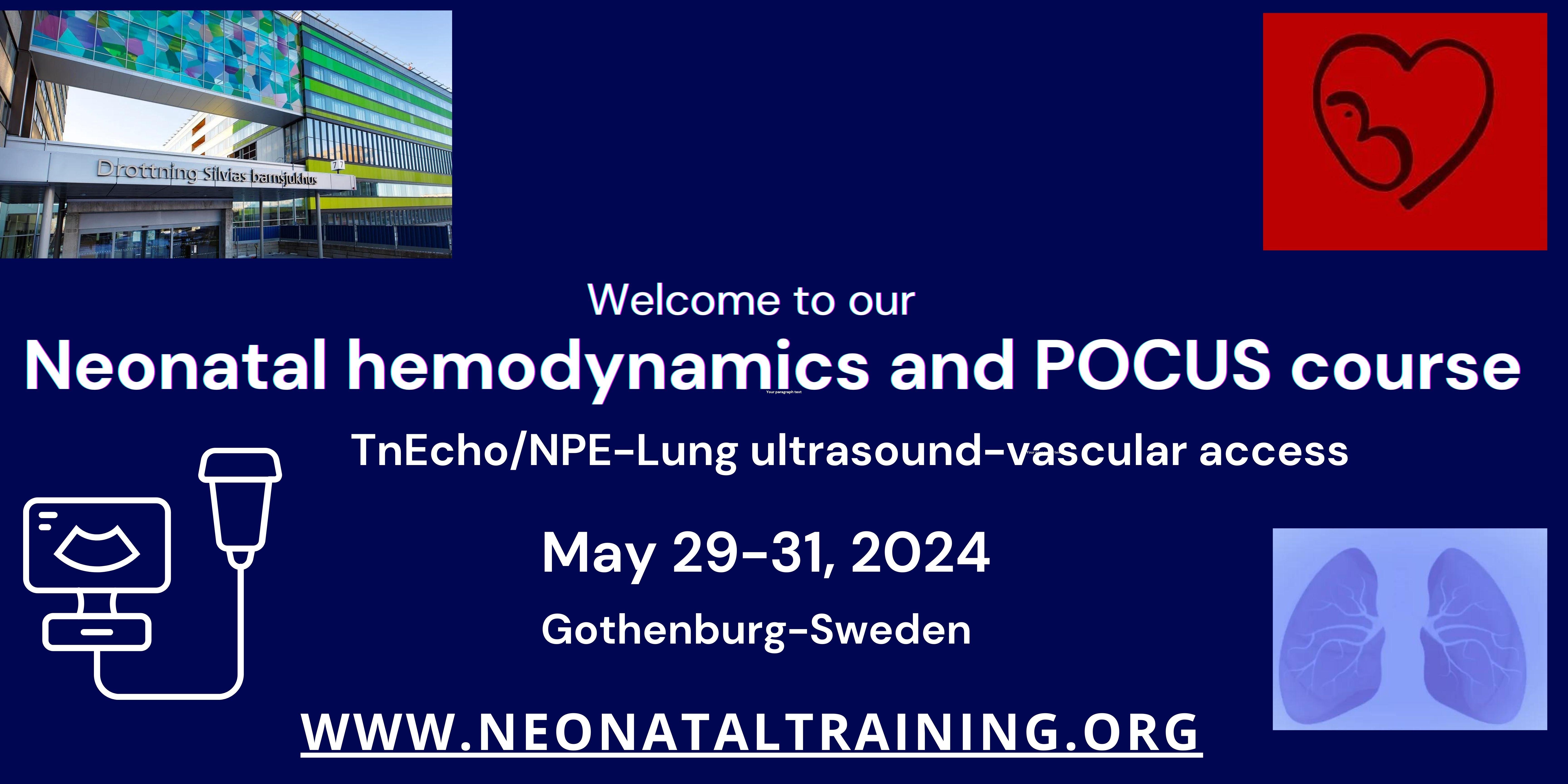


Neontal POCUS Gothenburg.jpg

Recommended Comments

To read the comments in this discussion, please log in or register. It's free and open to neonatal care professionals worldwide!

Account

Navigation

Search

Search

Configure browser push notifications

Chrome (Android)
  1. Tap the lock icon next to the address bar.
  2. Tap Permissions → Notifications.
  3. Adjust your preference.
Chrome (Desktop)
  1. Click the padlock icon in the address bar.
  2. Select Site settings.
  3. Find Notifications and adjust your preference.