Skip to content
View in the app

A better way to browse. Learn more.

99NICU

A full-screen app on your home screen with push notifications, badges and more.

To install this app on iOS and iPadOS
  1. Tap the Share icon in Safari
  2. Scroll the menu and tap Add to Home Screen.
  3. Tap Add in the top-right corner.
To install this app on Android
  1. Tap the 3-dot menu (â‹®) in the top-right corner of the browser.
  2. Tap Add to Home screen or Install app.
  3. Confirm by tapping Install.

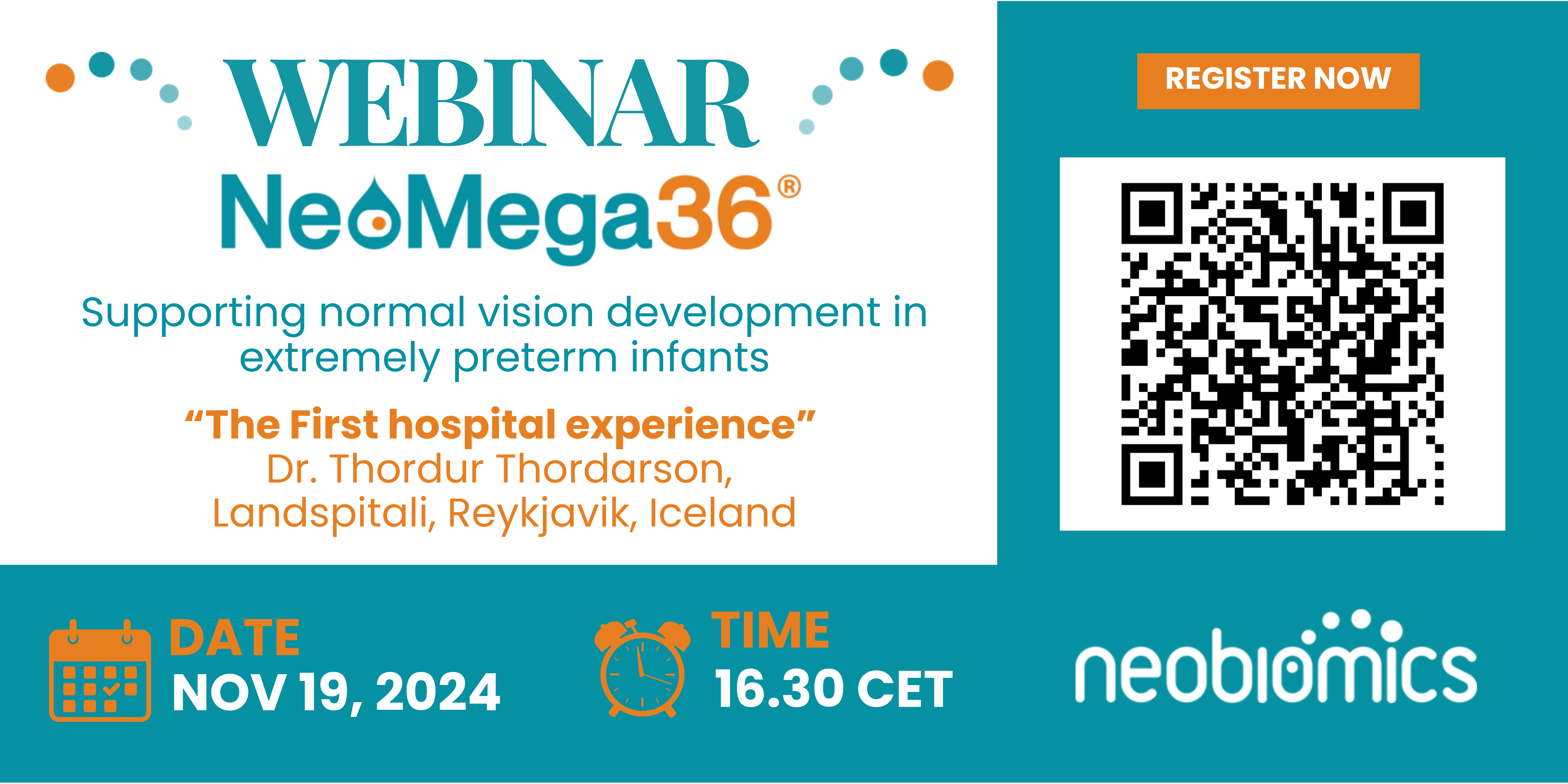
NeoMega36 Webinar: The Role of ARA and DHA Supplementation in Supporting Normal Vision Development in Extremely Preterm Infants

🌟 Exciting News! 🌟 You're Invited!

**NeoMega36 Webinar** By Neobiomics - Karolinska Institutet Science Park

Join us for an in-depth look at NeoMega36®, a food for medical purposes enriched with ARA (Arachidonic Acid) and DHA (Docosahexaenoic Acid) to support normal vision development in extremely preterm infants.

**WHEN**

19 November | 16.30 CET

**AGENDA**

16:30: Welcome and Introduction – Dr. Stefan Johansson

16:45: The first hospital experience with NeoMega36 – Dr. Thordur Thordarson - Neonatal, Landspitali, Reykjavik, Iceland

17:00: Q&A

17:15: Closing Remarks

** Why Should You Attend? **

Learn more about the research about arachidonic acid (ARA) and docosahexaenoic acid (DHA), that supports normal vision development in extremely preterm infants.

Connect with fellow neonatology professionals around Europe, learn from each other and share best practices!

📩 Register now: https://bit.ly/Neomega36webinar-19november2024
Seats are limited—secure your spot today!

We look forward to welcoming you!

Best regards,
The Neobiomics Team

(Note: This event is exclusively for healthcare professionals and official partners.)

Recommended Comments

There are no comments to display.

To read the comments in this discussion, please log in or register. It's free and open to neonatal care professionals worldwide!

Account

Navigation

Search

Search

Configure browser push notifications

Chrome (Android)
  1. Tap the lock icon next to the address bar.
  2. Tap Permissions → Notifications.
  3. Adjust your preference.
Chrome (Desktop)
  1. Click the padlock icon in the address bar.
  2. Select Site settings.
  3. Find Notifications and adjust your preference.