
_0b6494.png)
_5c07e1.png)
_0d1bd3.png)
_75149d.png)
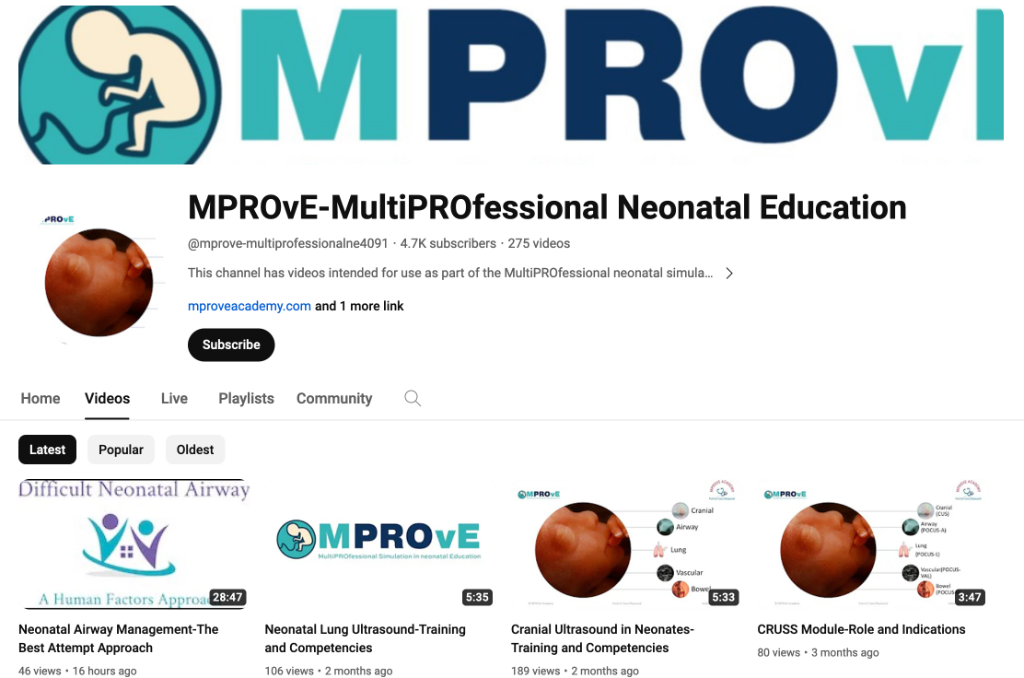

Explore MPROvE's comprehensive online delivery platform for online neonatal education, videos on procedural skill training, human factors training, and technology enhanced learning: 50 videos with an evidence based approach to a variety of topics in neonatal medicine, neonatal procedural skills , protocols and reference works. The homepage provides search and browse options based on playlists covering various topics as well as a comprehensive library of videos on each topic.
https://www.youtube.com/@mprove-multiprofessionalne4091/
-
 2
2
Recommended Comments
To read the comments in this discussion, please log in or register. It's free and open to neonatal care professionals worldwide!