
_0b6494.png)
_5c07e1.png)
_0d1bd3.png)
_75149d.png)

We have re-introduced our auto-generated Newsletter.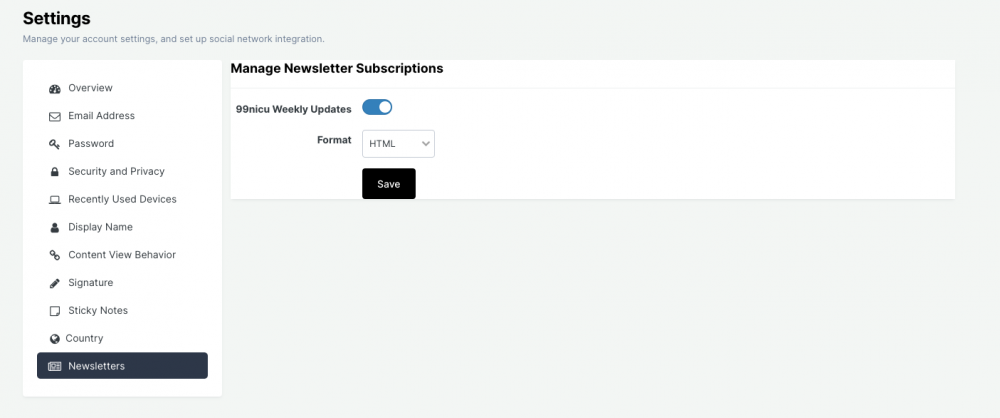
It will come on Wednesdays, and include practically all updates in the forums, the blogs, the Links Directory etc-etc. I hope this will not be too frequent interval, and instead facilitate you to keep updated and also help you to join discussions, post your own topics etc-etc.
Most of you probably subscribe to this since before. If not, go to your Account Settings and make sure to activate it.
It is key that your email address assoiciated with your membership is up-to-date. A memberships with an invalid email address will be cleared from our database.
Recommended Comments
To read the comments in this discussion, please log in or register. It's free and open to neonatal care professionals worldwide!