Skip to content
View in the app

A better way to browse. Learn more.

99NICU

A full-screen app on your home screen with push notifications, badges and more.

To install this app on iOS and iPadOS
  1. Tap the Share icon in Safari
  2. Scroll the menu and tap Add to Home Screen.
  3. Tap Add in the top-right corner.
To install this app on Android
  1. Tap the 3-dot menu (⋮) in the top-right corner of the browser.
  2. Tap Add to Home screen or Install app.
  3. Confirm by tapping Install.
A group blog by 99nicu Team in Community
  • Entries

    18
  • Comments

    29
  • Views

    21,378

Contributors to this blog

About this blog

Space for Community related News! Posts are written by members of the 99nicu Team.

Entries in this blog

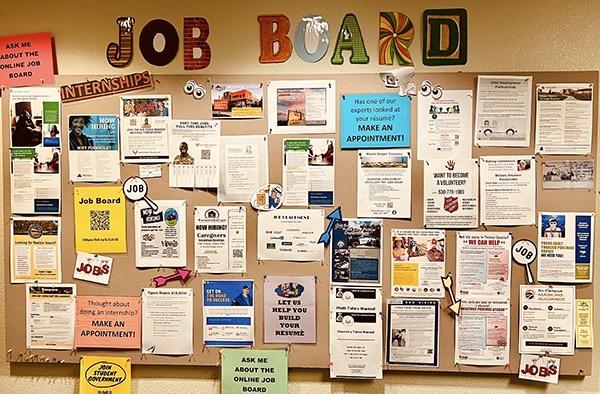
For years, the 99nicu community has been a place where neonatal professionals connect, share knowledge, and support each other in improving care for the smallest patients. But could it also become a place where careers in neonatal care begin or take the next step? We’re exploring the idea of adding a Job Board to 99nicu — a dedicated space where NICUs and neonatal organizations could post job opportunities for nurses, neonatologists, fellows, researchers, and other neonatal professionals. Becaus

Account

Navigation

Search

Search

Configure browser push notifications

Chrome (Android)
  1. Tap the lock icon next to the address bar.
  2. Tap Permissions → Notifications.
  3. Adjust your preference.
Chrome (Desktop)
  1. Click the padlock icon in the address bar.
  2. Select Site settings.
  3. Find Notifications and adjust your preference.