Skip to content
View in the app

A better way to browse. Learn more.

99NICU

A full-screen app on your home screen with push notifications, badges and more.

To install this app on iOS and iPadOS
  1. Tap the Share icon in Safari
  2. Scroll the menu and tap Add to Home Screen.
  3. Tap Add in the top-right corner.
To install this app on Android
  1. Tap the 3-dot menu (โ‹ฎ) in the top-right corner of the browser.
  2. Tap Add to Home screen or Install app.
  3. Confirm by tapping Install.

20 years of 99nicu โ€“ and cake! ๐ŸŽ‚

(0 reviews)

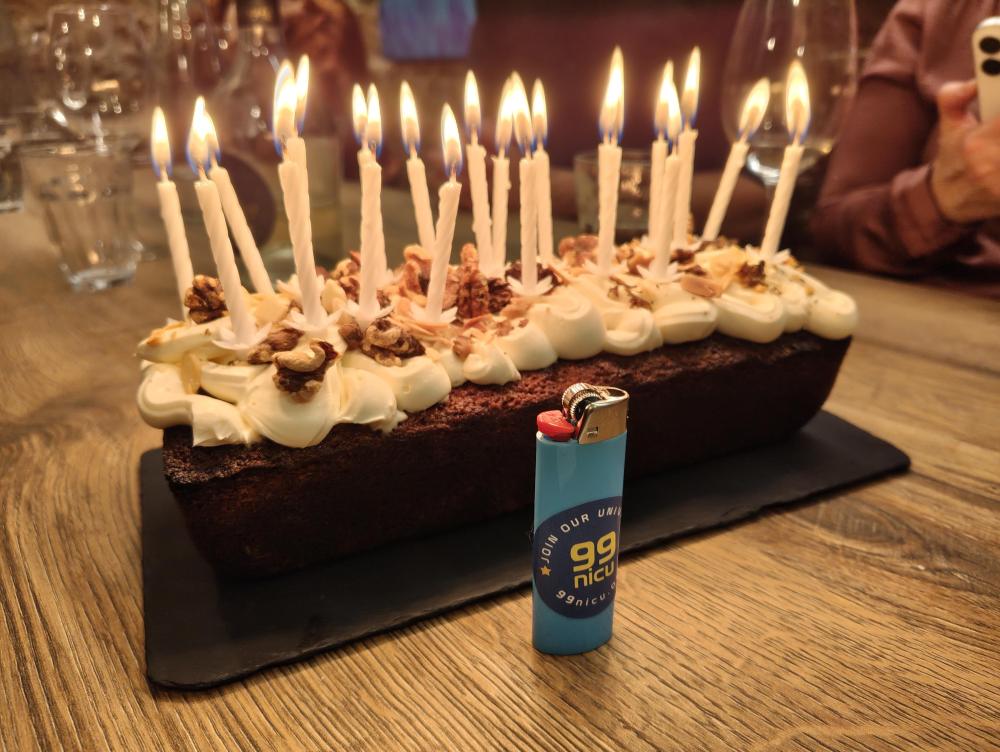
IMG_20261029_191812690.jpg

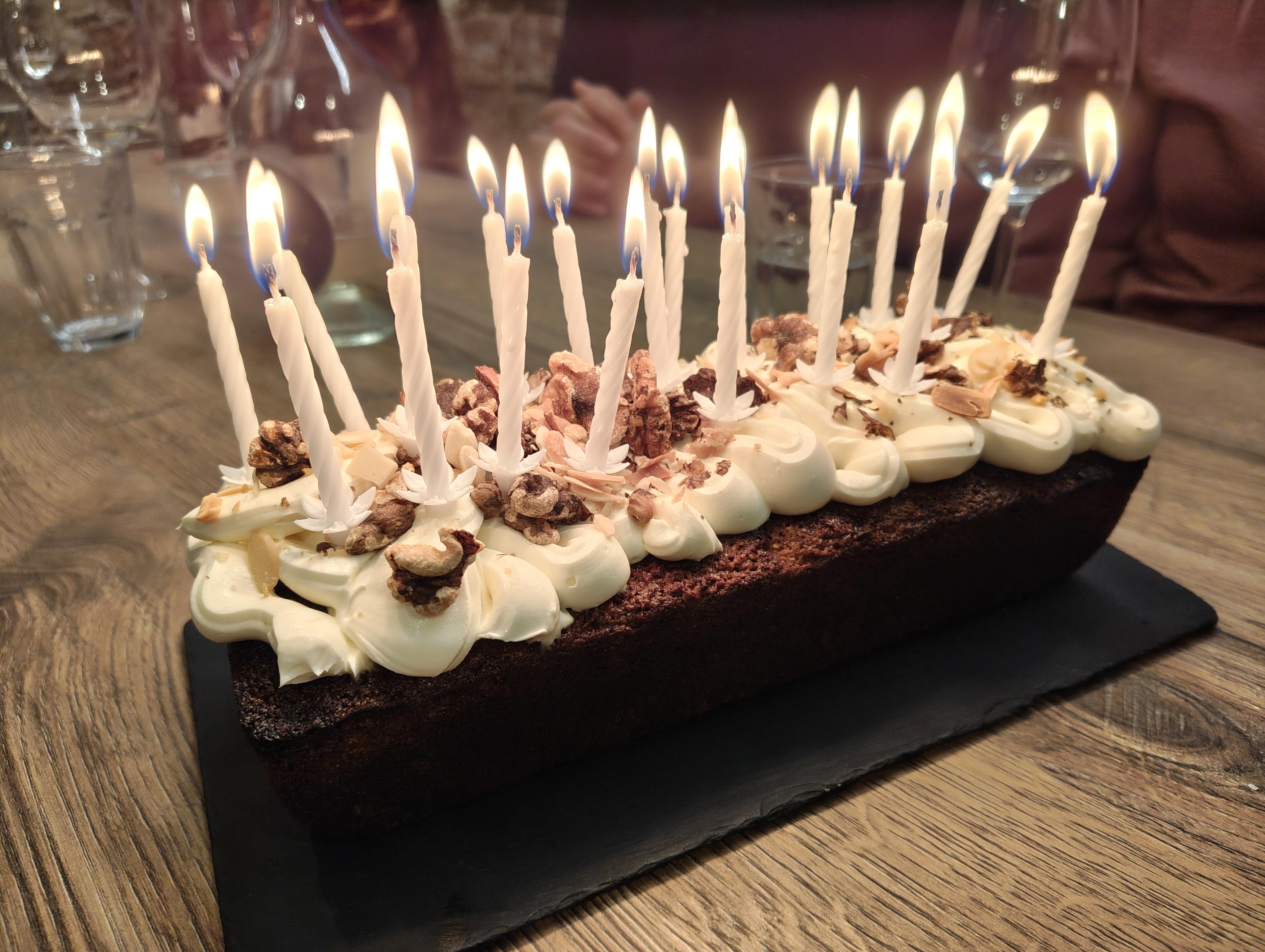
A 20th anniversary calls for cake!

The core 99nicu Team got together last night after the CEPAS sessions, for a small celebration of these twenty years of sharing, learning and connecting.

I wrote in an earlier Anniversary postโ  that 99nicu began with a simple idea. We wanted to create a space for NICU colleagues to share and learn from one another. That spirit is still at the heart of our community.

A big thank you to everyone through our 20y journey. While only the core team made it to this cake break, this anniversary belongs to all of us. So, consider this a virtual slice for the whole 99nicu community! ๐Ÿ™‚

IMG-20261029-WA0006.jpg

1 Comment

Recommended Comments

Jelli KA

Member

Congrats on the 20th B -day such a milestone making a difference ๐ŸŽŠ๐ŸŽŠ๐Ÿ’ช

Account

Navigation

Search

Search

Configure browser push notifications

Chrome (Android)
  1. Tap the lock icon next to the address bar.
  2. Tap Permissions โ†’ Notifications.
  3. Adjust your preference.
Chrome (Desktop)
  1. Click the padlock icon in the address bar.
  2. Select Site settings.
  3. Find Notifications and adjust your preference.