_0b6494.png)
_5c07e1.png)
_0d1bd3.png)
_75149d.png)

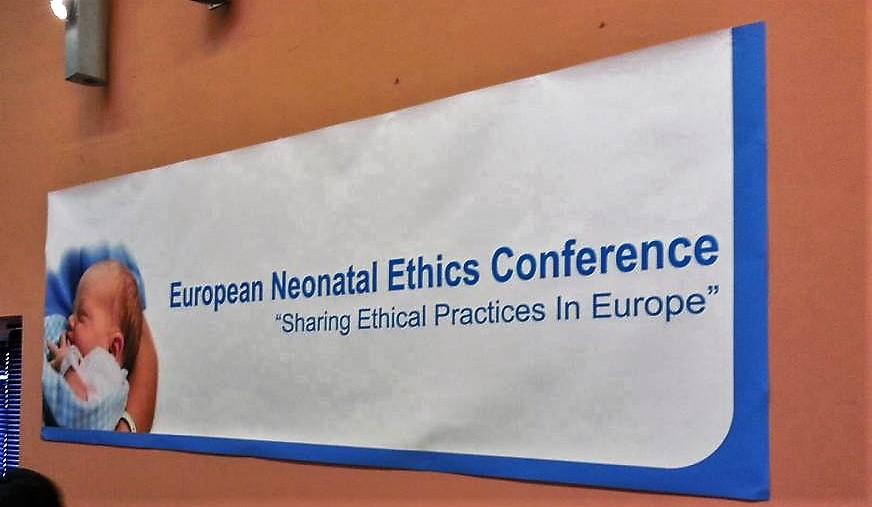
We would like to high-light an interesting conference, the European Neonatal Ethics Summer Conference 2016, held in Oxford, UK 1-2 June 2016.
Read more about this conference here!
Edited by 99nicu.org

A better way to browse. Learn more.
A full-screen app on your home screen with push notifications, badges and more.
.jpg.b668a82a439442a51ce85981d25fd907.jpg)
By 99nicu.org (edited)
We would like to high-light an interesting conference, the European Neonatal Ethics Summer Conference 2016, held in Oxford, UK 1-2 June 2016.
Read more about this conference here!
Edited by 99nicu.org
Recommended Comments
To read the comments in this discussion, please log in or register. It's free and open to neonatal care professionals worldwide!