Skip to content
View in the app

A better way to browse. Learn more.

99NICU

A full-screen app on your home screen with push notifications, badges and more.

To install this app on iOS and iPadOS
  1. Tap the Share icon in Safari
  2. Scroll the menu and tap Add to Home Screen.
  3. Tap Add in the top-right corner.
To install this app on Android
  1. Tap the 3-dot menu (â‹®) in the top-right corner of the browser.
  2. Tap Add to Home screen or Install app.
  3. Confirm by tapping Install.

Join us at 4th Future of Neonatal Care conference in Lisbon, Portugal, in April 2024

📢
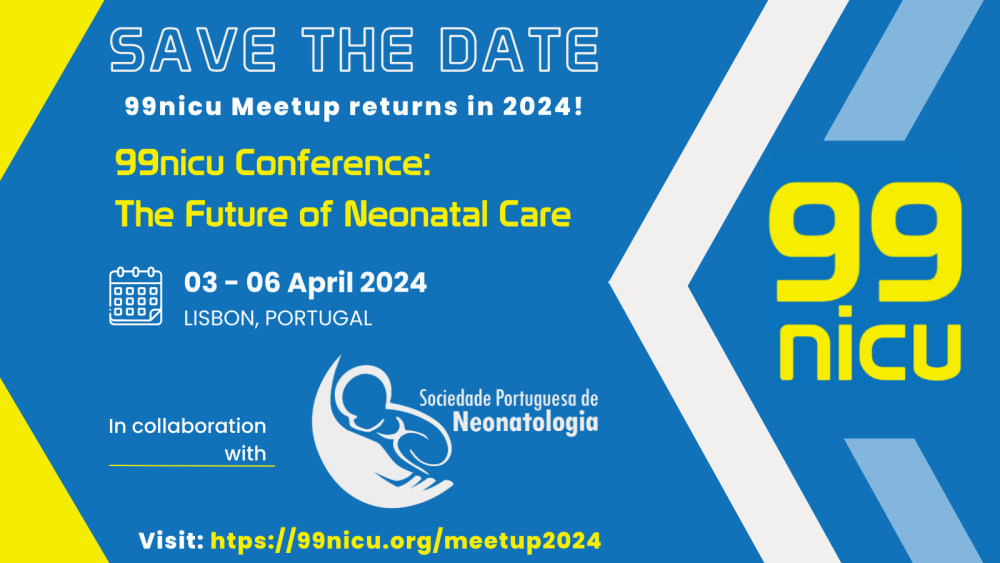
Exciting news! We are thrilled to announce the 4th "Future of Neonatal Care" conference, AKA #99nicuMeetup, a collaboration between 99nicu and the esteemed Portuguese Neonatal Society.

🌟
Join us on 03-06 of April 2024 in Lisbon, Portugal, as we explore evidence-based practices, cutting-edge research, and practical insights to enhance newborn care worldwide.

📅
Save the date and be part of this incredible opportunity to network, learn, and shape the future of neonatal care. Stay tuned for updates and browse https://99nicu.org/meetup2024/
SAVE THE DATE.png

User Feedback

Recommended Comments

Is there virtual attendance option? or it is just in person?

Thanks

We will record the sessions, so it will be possible to watch afterwards. But not live streaming. 

To read the comments in this discussion, please log in or register. It's free and open to neonatal care professionals worldwide!

Account

Navigation

Search

Search

Configure browser push notifications

Chrome (Android)
  1. Tap the lock icon next to the address bar.
  2. Tap Permissions → Notifications.
  3. Adjust your preference.
Chrome (Desktop)
  1. Click the padlock icon in the address bar.
  2. Select Site settings.
  3. Find Notifications and adjust your preference.