Skip to content
View in the app

A better way to browse. Learn more.

99NICU

A full-screen app on your home screen with push notifications, badges and more.

To install this app on iOS and iPadOS
  1. Tap the Share icon in Safari
  2. Scroll the menu and tap Add to Home Screen.
  3. Tap Add in the top-right corner.
To install this app on Android
  1. Tap the 3-dot menu (⋮) in the top-right corner of the browser.
  2. Tap Add to Home screen or Install app.
  3. Confirm by tapping Install.
A group blog by 99nicu Team in Community
  • Entries

    20
  • Comments

    29
  • Views

    22,837

Contributors to this blog

About this blog

Space for Community related News! Posts are written by members of the 99nicu Team.

Entries in this blog

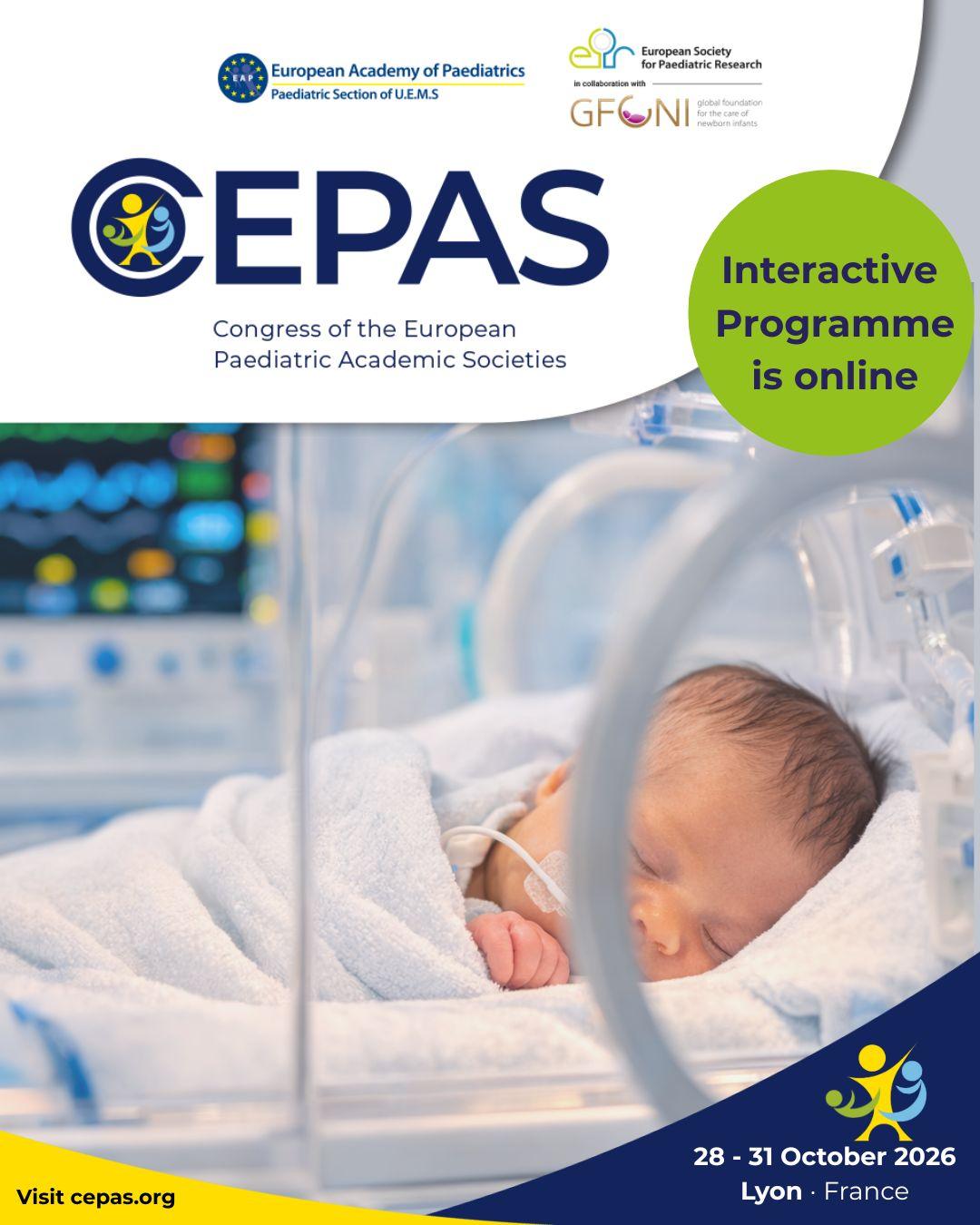
The interactive scientific programme for CEPAS 2026 is now online, and if you haven't explored it yet — check out https://www.cepas.org/scientific-programme. Built on more than 15 years of collaboration between the European Academy of Paediatrics, the European Society for Paediatric Research, and GFCNI, the CEPAS programme brings together science, clinical practice, advocacy and paediatric training in one place. Sessions, topics, networking opportunities — it's all there, and it's a lot. Which b

Account

Navigation

Search

Search

Configure browser push notifications

Chrome (Android)
  1. Tap the lock icon next to the address bar.
  2. Tap Permissions → Notifications.
  3. Adjust your preference.
Chrome (Desktop)
  1. Click the padlock icon in the address bar.
  2. Select Site settings.
  3. Find Notifications and adjust your preference.