
_0b6494.png)
_5c07e1.png)
_0d1bd3.png)
_75149d.png)
(26).png.c97dc453b63ee0a4658a82af0237d93f.png)
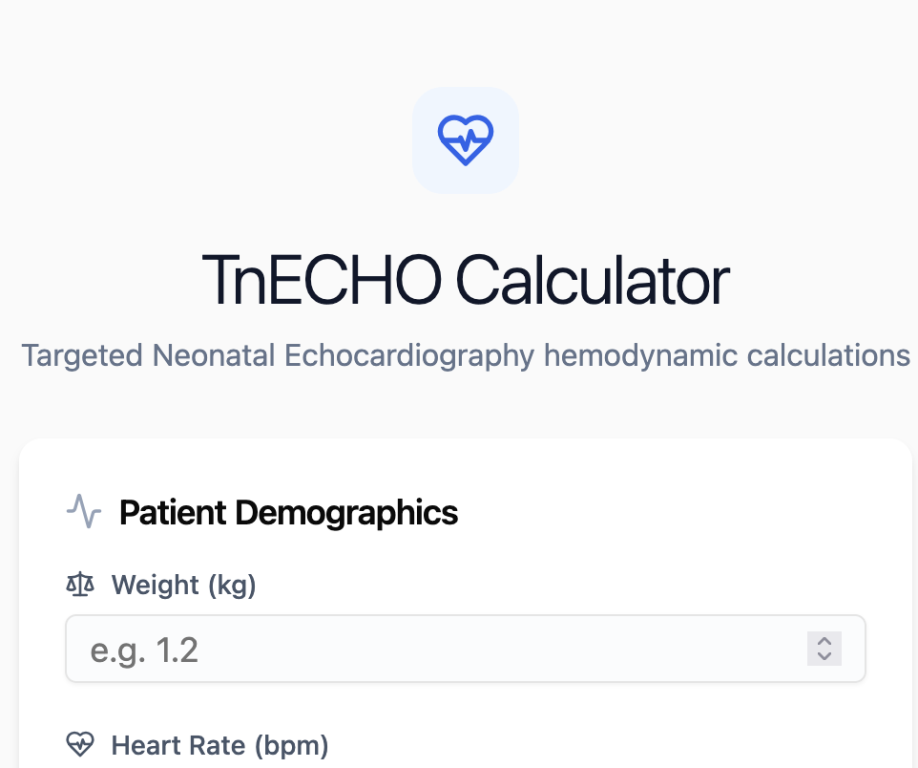

Hi everyone,
I’ve been working on a simple web-based neonatal echocardiography (TNE) tool to support structured assessments and reporting during clinical practice.
The aim is to:
bring key measurements and calculations (e.g. outputs, E/A, E/E′, MPI) into one place
standardise how I approach LV, RV, and PDA assessment
and generate a concise, clinically meaningful summary at the end
This is something I built primarily for my own workflow, but I’d really value feedback from others who do TNE.
I’d be particularly interested in thoughts on:
whether the structure reflects real-world TNE practice
missing parameters or unnecessary ones
how useful (or safe) automated interpretation might be
and whether the generated summary feels clinically appropriate
Thanks in advance!
-
 1
1
Recommended Comments
To read the comments in this discussion, please log in or register. It's free and open to neonatal care professionals worldwide!