_0b6494.png)
_5c07e1.png)
_0d1bd3.png)
_75149d.png)
(26).png.c97dc453b63ee0a4658a82af0237d93f.png)

-
Thanks Efe. Can you please let me know if this link works? https://redcap.pentafoundation.org/surveys/?s=TD334TJR3KRXNWYD Best, Valentina
-
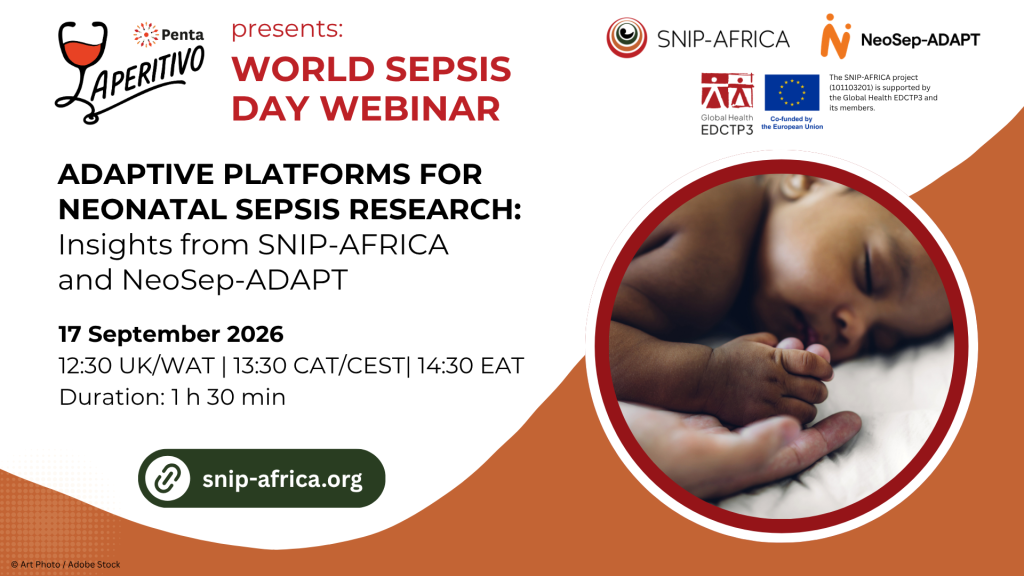
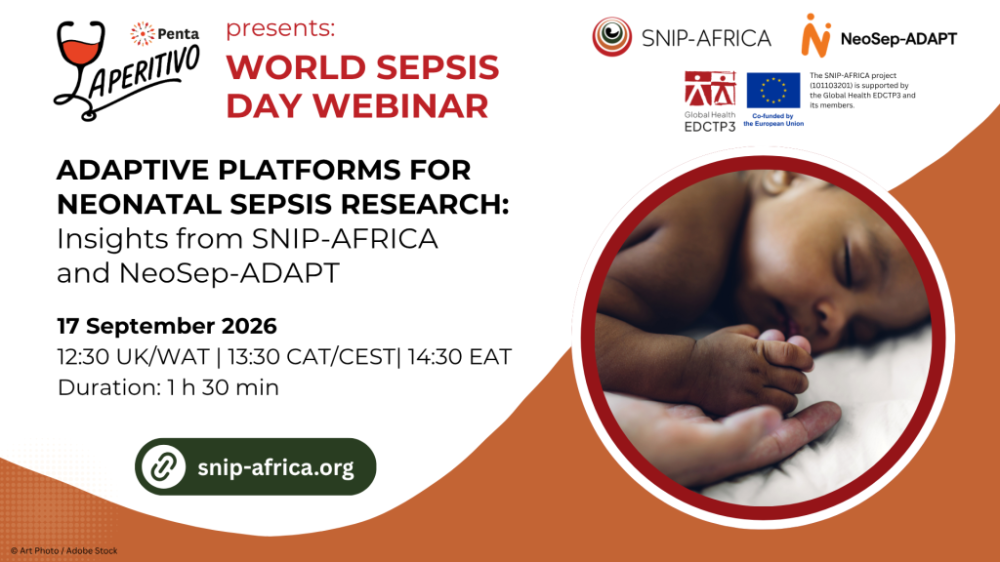
Hi everyone, I am sharing a webinar happening next Thursday that could be of interest to you hope you can join! -- Neonatal sepsis remains one of the leading causes of newborn death and long-term neurodevelopmental impairment worldwide, particularly across resource-limited settings. Tackling it demands research that is collaborative, adaptive, and connected across sites and disciplines, which is exactly what the SNIP-AFRICA and NeoSep-ADAPT research platforms are built to deliver. To mark World Sepsis Day 2026, join us for a special Penta Aperitivo webinar, which brings together researchers, clinicians and everyone working in newborn health. The webinar will take place on Thursday, 17th September 2026, 12:30 UK time/WAT | 13:30 CAT/CEST | 14:30 EAT (Duration: 1 hour 30 minutes), offering an in-depth look at how these two complementary research platforms are working together to strengthen neonatal sepsis surveillance, adaptive trials and long-term follow-up studies across diverse settings. What you'll learn The vision and structure of the SNIP-AFRICA and NeoSep-ADAPT platforms The major research domains contributing the platforms: from clinical and microbiological surveillance to dose-optimisation and long-term follow-up How participating sites are engaging across these domains Opportunities for collaboration, implementation and future growth Where the platforms are headed next as a connected research ecosystem within the global newborn health community Agenda highlights (all times in CEST/CAT) 13:30–13:35: Welcome and opening remarks (Francesca Schiavone, Olufunke Bolaji) 13:35–13:50: Overview of the SNIP-AFRICA platform (Mbozu Sipalo) 13:50–14:05: Overview of NeoSep-ADAPT & synergies within SNIP-AFRICA (Lauren Wallis) 14:05–14:35: Rapid fire presentations about the SNIP-AFRICA domains NeoSep1: the complex adaptive drug regimen trial (Julia Bielicki) Clinical & microbiological surveillance domain (Christina Obiero) Dose-optimising domain: the PRECISION study (Veshni Pillay-Fuentes Lorente) Long-Term Follow-Up (NeoSep LTFU-1): a future domain (Getrud Mollel) 14:35–14:55: Panel discussion & audience Q&A (All speakers) 14:55–15:00: Closing remarks and next steps (Francesca Schiavone, Olufunke Bolaji) Whether you’re a current SNIP-AFRICA collaborator, a partner organisation, or simply working in newborn health, this Penta Aperitivo webinar is a chance to get a comprehensive picture of how SNIP-AFRICA and NeoSep-ADAPT fit together — and where you might plug in to help generate the evidence needed to manage neonatal sepsis, more contextually and equitably. Register here
-
until
Neonatal sepsis remains one of the leading causes of newborn death and long-term neurodevelopmental impairment worldwide, particularly across resource-limited settings. Tackling it demands research that is collaborative, adaptive, and connected across sites and disciplines, which is exactly what the SNIP-AFRICA and NeoSep-ADAPT research platforms are built to deliver. To mark World Sepsis Day 2026, join us for a special Penta Aperitivo webinar, which brings together researchers, clinicians and everyone working in newborn health. The webinar will take place on Thursday, 17th September 2026, 12:30 UK time/WAT | 13:30 CAT/CEST | 14:30 EAT (Duration: 1 hour 30 minutes), offering an in-depth look at how these two complementary research platforms are working together to strengthen neonatal sepsis surveillance, adaptive trials and long-term follow-up studies across diverse settings. What you'll learn The vision and structure of the SNIP-AFRICA and NeoSep-ADAPT platforms The major research domains contributing the platforms: from clinical and microbiological surveillance to dose-optimisation and long-term follow-up How participating sites are engaging across these domains Opportunities for collaboration, implementation and future growth Where the platforms are headed next as a connected research ecosystem within the global newborn health community Agenda highlights (all times in CEST/CAT) 13:30–13:35: Welcome and opening remarks (Francesca Schiavone, Olufunke Bolaji) 13:35–13:50: Overview of the SNIP-AFRICA platform (Mbozu Sipalo) 13:50–14:05: Overview of NeoSep-ADAPT & synergies within SNIP-AFRICA (Lauren Wallis) 14:05–14:35: Rapid fire presentations about the SNIP-AFRICA domains NeoSep1: the complex adaptive drug regimen trial (Julia Bielicki) Clinical & microbiological surveillance domain (Christina Obiero) Dose-optimising domain: the PRECISION study (Veshni Pillay-Fuentes Lorente) Long-Term Follow-Up (NeoSep LTFU-1): a future domain (Getrud Mollel) 14:35–14:55: Panel discussion & audience Q&A (All speakers) 14:55–15:00: Closing remarks and next steps (Francesca Schiavone, Olufunke Bolaji) Whether you’re a current SNIP-AFRICA collaborator, a partner organisation, or simply working in newborn health, this Penta Aperitivo webinar is a chance to get a comprehensive picture of how SNIP-AFRICA and NeoSep-ADAPT fit together — and where you might plug in to help generate the evidence needed to manage neonatal sepsis, more contextually and equitably. Register here -
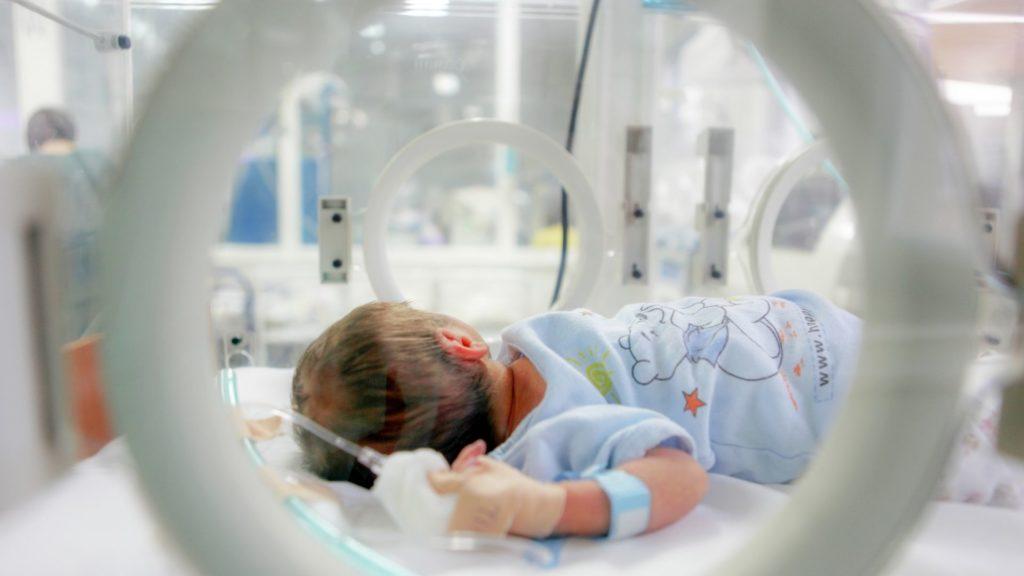 We would be happy to consider them for inclusion in our NeoIPC repository of resources on the prevention and control of healthcare-associated infections in neonatal units, which already contains a selection of guidance documents, recommendations, training courses and other resources. Resources from any region of the world and in any language are welcome, provided they are publicly accessible and available free of charge for download. Access the NeoIPC resource repository: https://neoipc.org/clinical-practice-network/resources/
 -
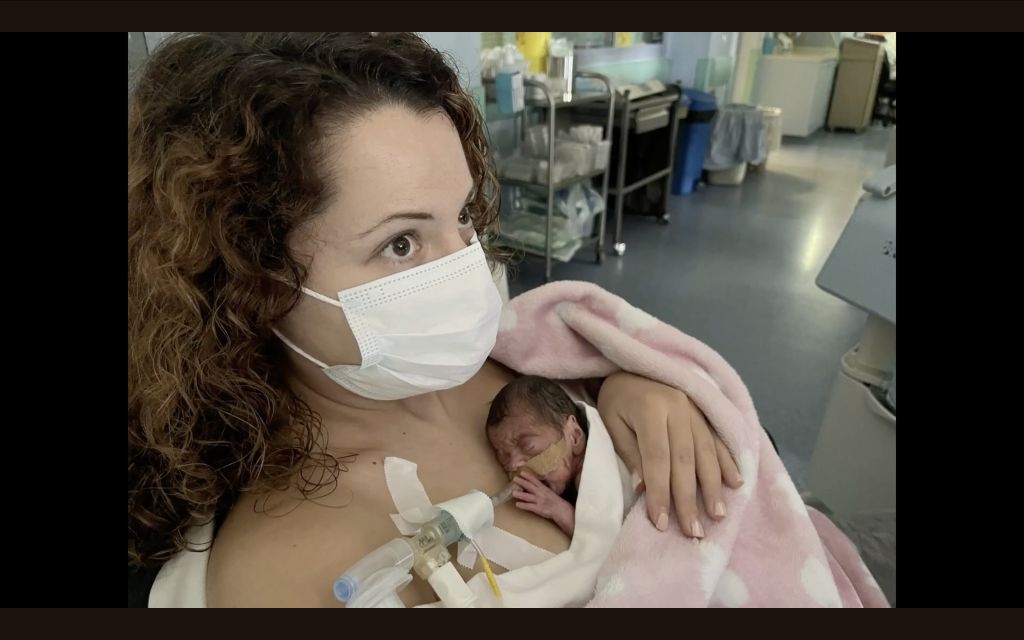 For many parents, the neonatal intensive care unit (NICU) is a place they never expected to find themselves – a world of beeping monitors, quiet strength, and waiting. "NICU Journeys" is a video series, developed by the NeoIPC project, that amplifies their voices, shares their hopes and fears, highlights their role in caring for their premature babies, and raises awareness about the importance of infection prevention and control practices. Evaggelia's Story (Language: Greek, Subtitles available in English and Greek): https://www.youtube.com/watch?v=tzyjkfRsRxc Irene's Story (Language: Greek; Subtitles available in English and Greek): https://www.youtube.com/watch?v=I4prcoEYaK0 Valentina's Story (Language: Greek; Subtitles available in English and Greek): https://www.youtube.com/watch?v=cdT6ecv25ec Dayana's Story (Language: Spanish; Subtitles available in English and Spanish): https://www.youtube.com/watch?v=0ks895EtpTc Elsa and Ricardo's Story (Language: Spanish; Subtitles available in English and Spanish): https://www.youtube.com/watch?v=vtmqUSsVvkU
 -
 This video, developed by the NeoIPC project (NeoIPC club link), offers insights into kangaroo care, some its advantages in protecting babies against infections according to the WHO, and explains how it can be safely practiced with the support of NICU staff. It is intended for parents, parents-to-be and other caregivers who could be interested in learning about this simple yet powerful practice. The video is available in multiple languages: English: https://www.youtube.com/watch?v=5ZO6hZryry8 Spanish: https://www.youtube.com/watch?v=6QyVIDIjpNo French: https://www.youtube.com/watch?v=9hpTh1akHOY German: https://www.youtube.com/watch?v=D-Pb0k81p_4 Italian: https://www.youtube.com/watch?v=pzgzsnfdatU Greek: https://www.youtube.com/watch?v=hDc2aWgtHRI Feedback on the video is of course welcome! We would also be happy if you could circulate the video in your networks if you think it would be useful.
 -
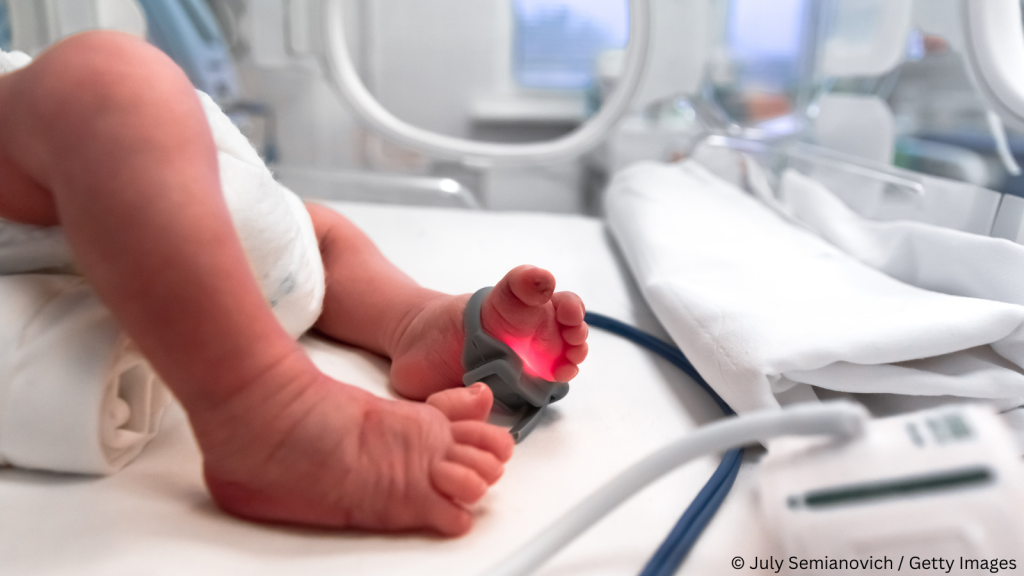 As a EU-funded project on infection prevention and control in neonatology, NeoIPC has a strong focus on the surveillance of healthcare-associated infections in newborns. As part of this effort, we have developed standardised surveillance methods focused on HAIs, multidrugresistant organisms and antibiotic use in neonatal care. Participation is completely free and open to neonatal care sites worldwide. The NeoIPC Surveillance Network already includes about 30 partner sites across Europe and Africa, working together to improve infection prevention and surveillance in neonatal care. How does it work? Participating sites will use the NeoIPC surveillance toolkit to collect data prospectively during routine care. When an eligible infant is admitted to your neonatal department, you will be asked to collect basic information on: Healthcare-associated infections Multidrug-resistant organisms Risk factors (e.g. use of central and peripheral lines, ventilators) Protective factors (e.g. human milk, skin-to-skin contact/kangaroo care) Antibiotic use The default target population for the NeoIPC surveillance is VLBW (Very Low Birth Weight) and VPT (Very Preterm) infants. However, this can be expanded based on the preferences of the participating site. All data are entered into a secure online platform using standardised definitions and forms. Training materials and ongoing support will be provided throughout the process. This approach helps generate comparable, high-quality data across diverse settings, and ultimately supports better strategies for preventing infections in newborns. How to join the NeoIPC surveillance You can test the platform first. Review the toolkit, test feasibility in your hospital, share feedback. The NeoIPC Surveillance protocol, data collection sheets, link to the online platform and training materials are available here: https://neoipc.org/surveillance/resources/ If you wish to become an official partner in the NeoIPC Surveillance Network, here's a step-by-step guide on how to access: https://neoipc.org/surveillance/#how-to Questions? neoipc-support@charite.de (or ping @Brar as your go-to person!)
 -
 This video, developed by the NeoIPC project, offers insights into kangaroo care, some its advantages in protecting babies against infections according to the WHO, and explains how it can be safely practiced with the support of NICU staff. It is intended for parents, parents-to-be and other caregivers who could be interested in learning about this simple yet powerful practice. The video is available in multiple languages: English: https://www.youtube.com/watch?v=5ZO6hZryry8 Spanish: https://www.youtube.com/watch?v=6QyVIDIjpNo French: https://www.youtube.com/watch?v=9hpTh1akHOY German: https://www.youtube.com/watch?v=D-Pb0k81p_4 Italian: https://www.youtube.com/watch?v=pzgzsnfdatU Greek: https://www.youtube.com/watch?v=hDc2aWgtHRI Feedback on the video is of course welcome! We would also be happy if you could circulate the video in your networks if you think it would be useful. In the past, we reached out to the European Foundation for the Care of Newborn Infants (EFCNI, now GFCNI) and the video appeared in a few blogs on the topic of neonatology.
 -
Thanks for your interest. If you wish to rewatch the webinar, here's the link: https://vimeo.com/1172594444

View in the app
A better way to browse. Learn more.